How to host a Terraria server
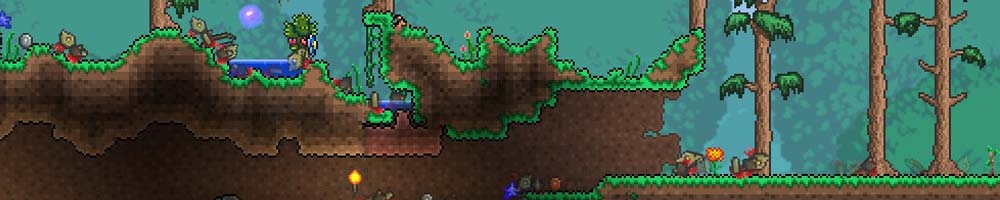
Terraria is among the lightest dedicated servers in common use, and a small machine will run a full world for a group of friends without complaint. Modded servers ask for meaningfully more, particularly with large content mods, but it is still modest compared with any 3D survival game.
How to install it
- Decide vanilla or modded first. The vanilla server comes from Terraria’s own site; tModLoader is a separate application. They are not interchangeable later.
- Download and unpack it into its own folder. There is no installer.
- Run it once. It will walk you through creating a world interactively — size, difficulty and seed — on the command line.
- Note the world file location, then stop the server and switch to the config file so it starts unattended next time.
How to configure it
If world points at a file that does not exist and autocreate is not set, the server does not error — it sits waiting for you to answer its questions on the console. Create the world once interactively, then point the config at the file it made.
- Point the world setting at your world file and set autocreate, or the server will keep asking you questions interactively instead of just starting.
- World size and difficulty are fixed at creation. They are not settings you can change later — pick deliberately.
- Set a password if the server is public. Terraria has no account system to lean on.
- For modded servers, the mod list is a separate file and every player needs the identical set.
Mismatched mod versions between server and players. tModLoader is strict about this, and the resulting error tends to send people looking for network problems that do not exist.
Written from experience running these servers. If something here no longer matches what you are seeing, tell us and we will recheck it.
Building GameDash at Schokker IT — the game server control panel we always wished existed. Writes about infrastructure automation, the SDK and running game servers at scale.