How to host a Satisfactory server
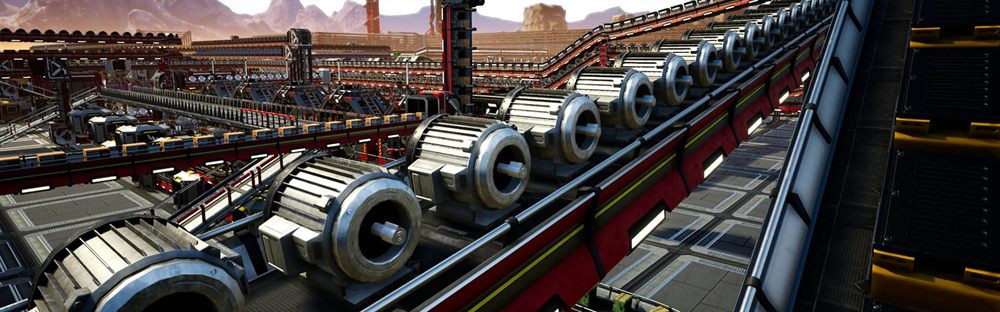
An early save is undemanding and four players will not trouble it. A late-game megabase is one of the heaviest things you can ask a game server to simulate, and it will keep getting heavier for as long as the save continues. This is a game where sizing for today reliably disappoints in a month.
How to install it
- Install Steam’s command-line tool, then the Satisfactory dedicated server using an anonymous login. This is a separate application from the game you play.
- Start it and confirm it is listening. It will not look like it is doing anything useful yet, which is correct.
- Open the game, go to the server manager, and add it by address. Everything from here is done in-game rather than in files.
- Claim it. Name it and set an admin password — this is the step that turns a running process into a usable server.
- Create a session or upload a save from your single-player game if you are migrating one.
Since patch 1.1 Satisfactory needs two: UDP 7777 for the game and TCP 8888 for the API the game client uses to manage the server. Opening only 7777 is the single most common setup failure — the server runs, and the Server Manager simply never finds it.
How to configure it
| Port | Protocol | What it carries |
|---|---|---|
| 7777 | UDP | Game traffic — players connecting and playing. |
| 8888 | TCP | The management API. Without it the Server Manager cannot see your server, so you can never claim it. |
Satisfactory is the odd one out: the server name, admin password, join password and autosave settings are all set from the game’s own Server Manager after you claim the server. There is no file on the machine to open, which is why searching for one turns up nothing.
- Satisfactory is configured from inside the game, not by editing files on the machine. If you are hunting for a config file to change a password, that is why you cannot find one.
- Autosave interval and how many saves to keep are the two settings worth tuning. Keep more saves than feels necessary.
- Uploading a single-player save is supported and is how most groups start. Do it before anyone builds on the server.
- Admin password and client password are different things. One manages the server, the other lets people in.
Not realising a fresh server has to be claimed. A newly installed Satisfactory server sits waiting to be adopted from inside the game before it will do anything, and until then it looks broken. It is not.
Written from experience running these servers. If something here no longer matches what you are seeing, tell us and we will recheck it.
Building GameDash at Schokker IT — the game server control panel we always wished existed. Writes about infrastructure automation, the SDK and running game servers at scale.