How to host a Factorio server
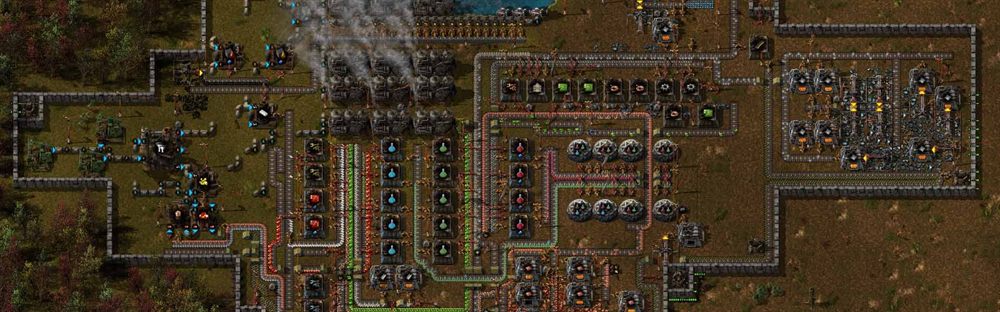
Factorio runs happily on modest hardware. What it wants is a fast single core — as your factory grows, that becomes the only number that matters. The measure to watch is not processor percentage but whether the game is keeping up with its own tick rate: a megabase that has fallen behind feels slow to everyone even though the machine looks idle.
How to install it
- Download the headless server from Factorio’s own site. It is a separate download from the game and does not come through Steam.
- Unpack it anywhere; there is no installation step.
- Create a save first. The headless server cannot generate a world interactively — you either create one with a command or upload one made in the game.
- Copy the example settings file to your own and fill in the server name and visibility.
- Start it pointing at your save. The save, not a world seed, is what the server runs.
How to configure it
- Public listing needs your Factorio account credentials in the settings file. A private server does not.
- Auto-pause is worth enabling for a friend group, so the factory does not run on without you.
- Autosave interval is a visible pause once the base is large. Tune it later, not at the start.
- Announce mod updates before applying them.
Updating mods without telling anyone. Factorio synchronises mods strictly, so a mod updated on the server locks out every player until they update too. Mid-session, this ends the session.
Written from experience running these servers. If something here no longer matches what you are seeing, tell us and we will recheck it.
Building GameDash at Schokker IT — the game server control panel we always wished existed. Writes about infrastructure automation, the SDK and running game servers at scale.